
Data Storage & Backup
NAKIVO Backup & Replication, cloud and on-prem backup, long-term archiving. We protect your business from data loss caused by viruses, hardware failure, human error, and force majeure.
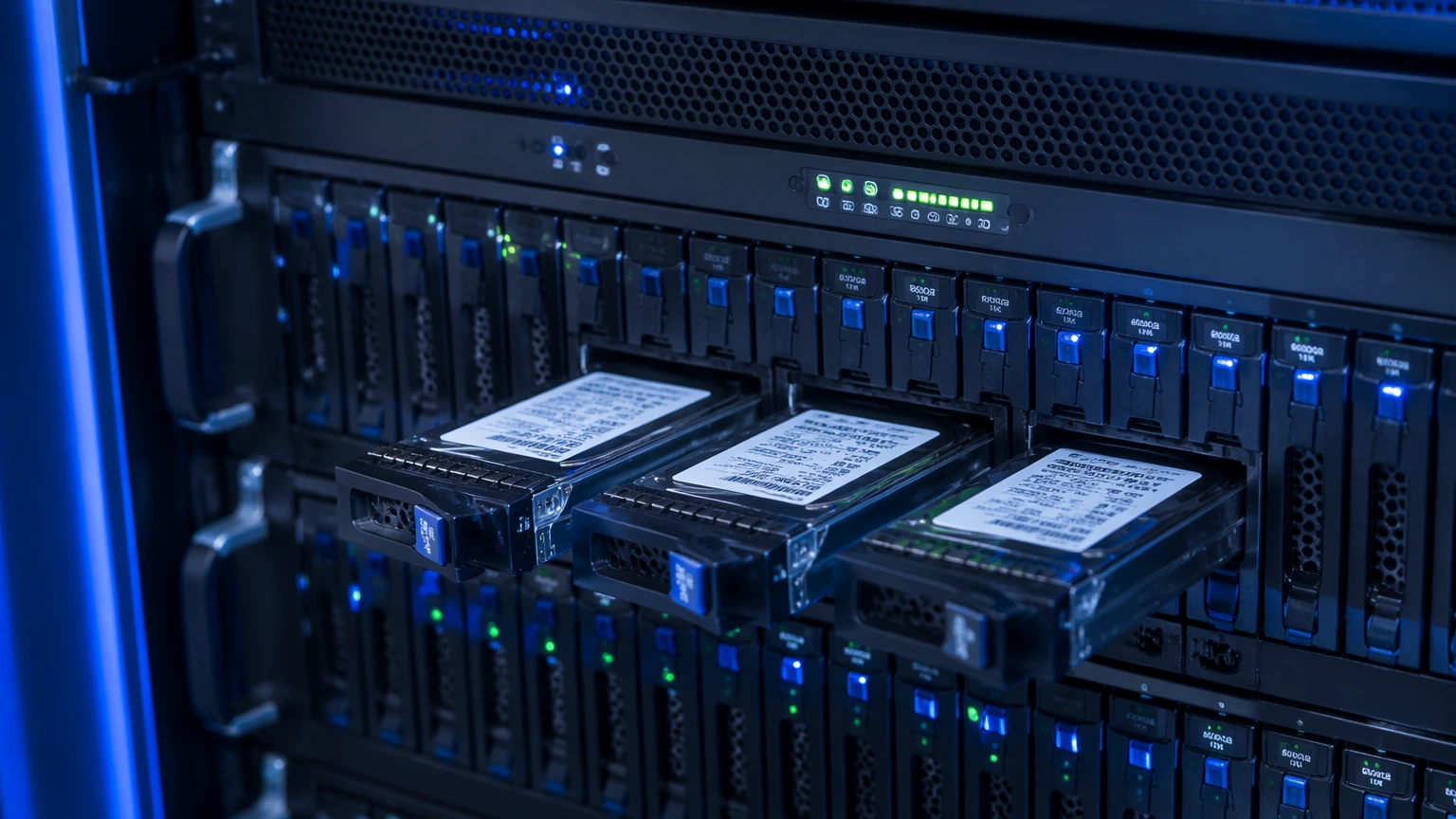
Data Is the Core Asset of a Modern Business
Modern business runs on IT — every document and email lives in digital form. That’s convenient, but it carries risk: a lost or corrupted file can stop the business cold. So you need to plan ahead not only for reliable storage, but also for fast recovery.
Our Services
A full spectrum of storage, backup, and recovery services — for physical servers, virtualization, and cloud environments
NAKIVO Backup & Replication
A fast, comprehensive, and reliable backup, replication, and recovery platform — for physical, virtual (VMware, Hyper-V), cloud (AWS, Azure), and SaaS environments (Microsoft 365). Runs on Linux, Windows, AWS, and ready-made packages for NAS (Synology, QNAP, Asus, WD).
Backup as a Service (BaaS)
Managed off-site backup and recovery. Data is encrypted, robustly protected against corruption and theft, and stored in geographically distributed data centers. You pay a monthly fee — no capital outlay.
On-Prem Storage Systems
Selection and deployment of NAS / SAN storage (Synology, QNAP, Dell PowerVault, HPE MSA), disk shelves, and tape libraries for long-term archives. Workload sizing, RAID configuration, replication setup.
Archiving and Long-Term Retention
Setting up archives for data that must be retained for years (accounting, medical records, legal). Removal from “hot” systems, placement on cold storage — economical, durable, with fast recall when needed.
Why Professional Backup Matters
Why ad-hoc copies onto an external drive don’t count as protection
Full system coverage
Not just files — operating systems, databases, server configurations, and virtual machines, captured as ready-to-restore images. After a failure, we redeploy “the way it was” in minutes.
Automation and scheduling
Flexible job configuration, control over volume and timing of copies. Scheduled, hands-off backups — nothing gets forgotten.
Encryption and security
Data is encrypted both in transit and at rest — guaranteeing confidentiality and protection against theft. Even if a backup disk falls into the wrong hands, the data is unreadable.
Restore testing
We test restores regularly — because an unverified backup may turn out to be useless at the critical moment. It’s standard practice that’s often skipped in DIY backup setups.
How We Roll Out the System
Critical Data Assessment
We map which data is critical (RPO/RTO), which can tolerate slow recovery, and which needs to come back instantly. That drives the architecture.
Solution Selection
We propose a platform (NAKIVO, Veeam, Acronis, or cloud BaaS), and size storage capacity and recovery times.
Deployment
We install and configure the system, set up backup jobs, encryption, and retention — how many copies and of what types to keep.
Monitoring and Tests
We track backup success, run a test restore monthly, and report on it. After an incident, we restore from backup within the agreed timeline.
Frequently Asked Questions
What is data backup?
Creating copies of the company’s working files. The BaaS service provides off-site copy and recovery in case of loss for any reason — force majeure, attack, hardware failure. Copies are encrypted and reliably protected against corruption or theft.
Why do I need a backup copy?
To recover information when it’s deleted or vanishes from the primary storage. For example, after ransomware attacks, system failures, or even employee mistakes — the copies remain securely stored and always accessible to the data owner.
What capabilities does backup give me?
You can configure copy schedules, retention periods, encryption, and data archiving. On-prem copies, cloud copies, and combined schemes (the 3-2-1 rule: 3 copies, 2 media types, 1 off-site) are all options.
What if ransomware encrypts our data?
The main rule — don’t pay the ransom. We recover from offline copies (backups protected against modification). That’s why we always configure immutable backups during deployment — backups that can’t be deleted or encrypted.
How much does backup cost?
It depends on data volume and recovery-time requirements. Baseline service for SMB starts around €50/month for 1 TB with 30-day retention. We’ll quote the exact figure after auditing your infrastructure.
Are Your Data Safe?
Call us — we’ll run an audit, assess the risk, and propose a solution that lets you sleep at night.
+380 50 110 91 30
