
Document Management & Workflow Automation
Smart solutions for digitizing, OCR, automatic naming, and routing of documents. Less paper shuffling — more time for the actual business.
Don’t Drown in the Routine
Spending too much time on the same repetitive admin tasks? Tired of paper shuffling? Approval cycles dragging on because you’re waiting for “real” pen-and-paper signatures? You’re not alone in wishing for a more efficient way to handle the daily grind that slows everyone down. We help you make that transition.
What We Offer
A full stack for building modern digital document workflows
Dispatcher Phoenix / Document Navigator
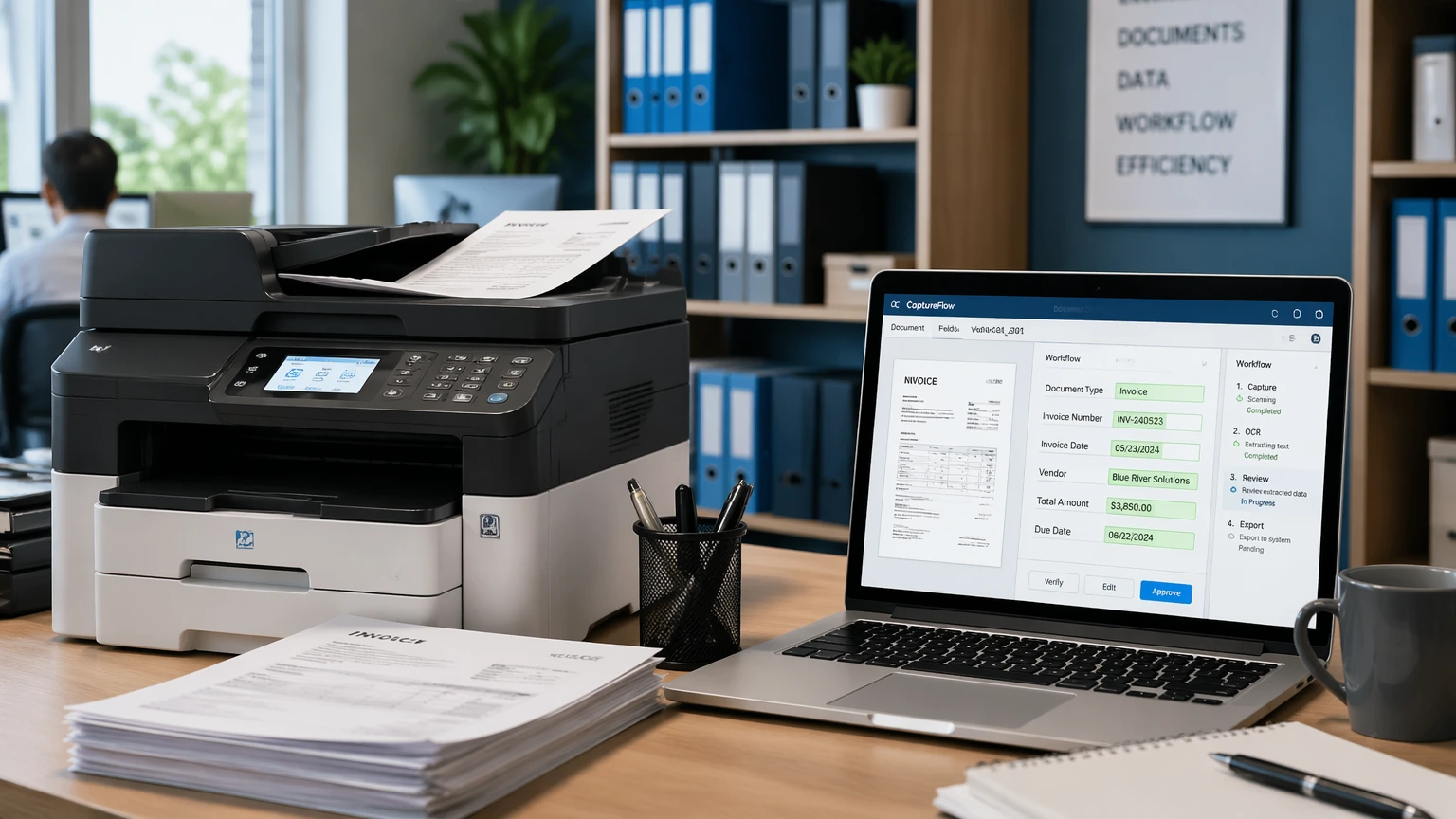
Deployment of Konica Minolta’s smart document-handling solutions. You just start scanning — the system recognizes key data points (vendor, invoice number), names the file correctly, and saves it to the right folder.
OCR and Automatic Classification
Text recognition in Ukrainian, English, and Russian. Automatic classification by document type (contract / invoice / delivery note / letter), key-field extraction into a form, import into your accounting system.
Workflow and Routing
Configurable approval routes — who must sign an invoice, in what order, with what authority limits. Electronic signatures and notifications. Real-time visibility into the status of every document.
ERP and Email Integration
A scanned and recognized document lands automatically in the ERP (1C / BAS / SAP), is sent to the right recipient by email, or is imported into the CRM. Less manual work, fewer errors.
What You Get
Automation for accuracy, speed, and control over business processes
Time saved in accounting
Manually naming and filing documents takes hours every day. Automation frees up that capacity for higher-value work: analysis, control, reporting.
Faster approvals
You speed up and simplify invoice approval whether your people are in the office or remote. The process becomes transparent — every invoice’s status is visible at any time.
Audit and control
Every action is logged: who, when, from which device, viewed / edited / signed the document. That’s useful for internal control and mandatory for audits and inspections.
Less paper, lower costs
Beyond reducing administrative overhead, you cut costs on printing, archive storage, and document search. And the environmental footprint shrinks too.
How We Implement the Solution
Process Audit
Together with your team we map current document flows, find the bottlenecks, and define the automation goals.
Pilot on a Single Process
We pick one specific process (for example, invoice processing) and roll out the solution there first. You see the value quickly.
Rollout Across the Business
After a successful pilot, we extend the solution to other processes in stages. At each stage we train the people responsible and prepare procedures.
Support and Evolution
We stay close — adding new recognition templates, new approval routes, and integrations with new systems as needed.
Frequently Asked Questions
Our accountant scans documents already — why pay for anything more?
Scanning is just the first step. To have a scanned document automatically named, filed in the right folder, routed for approval to the right people, and posted into the ERP — you need automation. That’s exactly what we deploy.
Will it work with our printer / MFP?
Dispatcher Phoenix and Document Navigator integrate best with Konica Minolta hardware. But OCR solutions are vendor-agnostic — they work with scans from any MFP (Xerox, HP, Canon, etc.).
What about electronic signatures?
We integrate the solution with Ukrainian e-signature providers (Diia, PrivatBank, M.E.Doc). Electronically signed documents have the same legal force as paper ones with handwritten signatures.
How long does deployment take?
A pilot on a single process takes 2–4 weeks; a full rollout for a mid-sized company runs 2–3 months. We can start faster with an out-of-the-box solution and refine over time.
What about paper originals — do we still need them?
It depends on the document type. For most cases, electronic copies with a qualified e-signature carry full legal weight. For some (contracts with stamps, certain acts) we recommend keeping paper originals in the archive while using digital copies in day-to-day work.
Ready to Cut the Paper Shuffle?
We’ll demo Dispatcher Phoenix / Document Navigator on your own real documents — you’ll see the time savings firsthand.
+380 50 110 91 30
